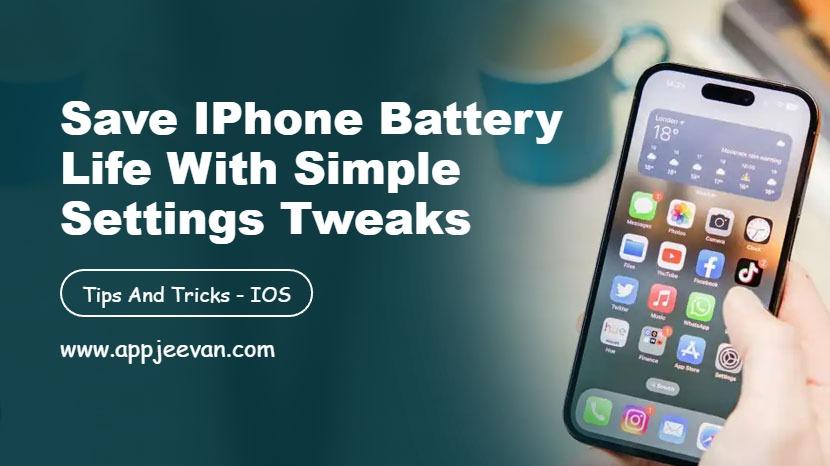
How to Extend Your Phone Battery Life — Expert Tips
In today’s always-connected world, our smartphones are essential — but their batteries don’t always keep up. Whether you’re a student, freelancer, or business user, few things are more frustrating than watching your battery drop when you need it most.
The good news? You can extend your phone’s battery life significantly with the right habits and settings. Here are some expert tips to help your phone last longer throughout the day (and over time).
1. Adjust Screen Brightness and Timeout Settings
Your screen is the biggest power consumer on your phone.
- Reduce brightness: Keep it at 50% or use adaptive brightness to adjust automatically.
- Shorten screen timeout: Set your display to turn off after 15–30 seconds of inactivity.
💡 Pro tip: Avoid using maximum brightness outdoors for long periods — it can heat up your phone and drain the battery faster.
2. Turn On Battery Saver Mode
Modern smartphones have built-in battery saver or low power modes that limit background activity, visual effects, and performance.
Turn it on when your battery drops below 30–40% or when you know you’ll be away from a charger for hours.
These modes are especially useful for extending life during travel, workdays, or outdoor events.
3. Disable Background App Refresh
Apps constantly running in the background — syncing data, checking notifications, or refreshing feeds — can quietly eat away at battery life.
Go to your settings and restrict background activity for apps you don’t use often. Social media and email apps are usually the biggest culprits.
4. Manage Connectivity Wisely
Your phone’s wireless features (Wi-Fi, Bluetooth, 5G, GPS, NFC) all consume power — even when idle.
- Turn off Wi-Fi and Bluetooth when you’re not using them.
- Use Airplane Mode in low-signal areas to stop your phone from constantly searching for a network.
- If 5G drains too fast in your area, consider switching to 4G temporarily.
5. Keep Apps and Software Updated
App updates often include battery optimization improvements. Make sure your apps and operating system are up to date — outdated versions can cause unnecessary background drain or bugs that reduce efficiency.
6. Use Dark Mode on OLED Screens
If your phone has an OLED or AMOLED display, using Dark Mode can significantly reduce power usage because black pixels require less energy to light up.
Bonus: It’s also easier on your eyes, especially at night.
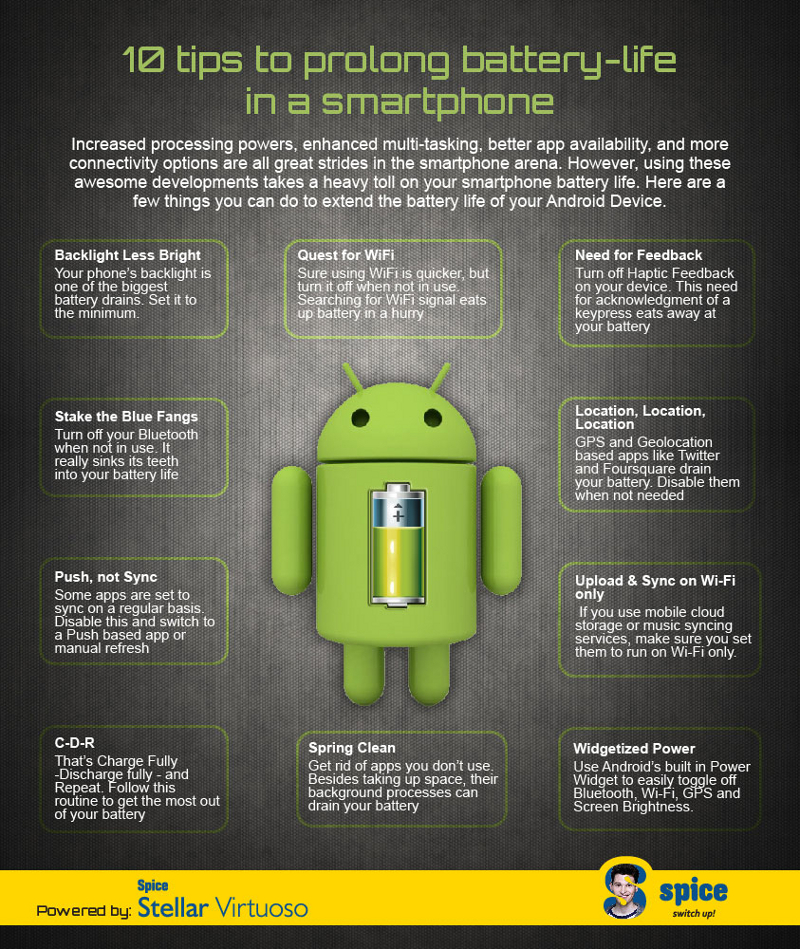
7. Avoid Extreme Temperatures
Both excessive heat and cold can shorten your battery’s lifespan.
- Don’t leave your phone in direct sunlight or near heaters.
- In winter, keep it in your pocket to maintain temperature.
Prolonged heat is particularly damaging and can permanently degrade battery health.
8. Limit Push Notifications
Constant notifications wake your screen and trigger background processes. Turn off non-essential notifications — or switch to manual refresh for email and social apps.
This not only saves battery but also helps you stay more focused.
9. Charge Smartly
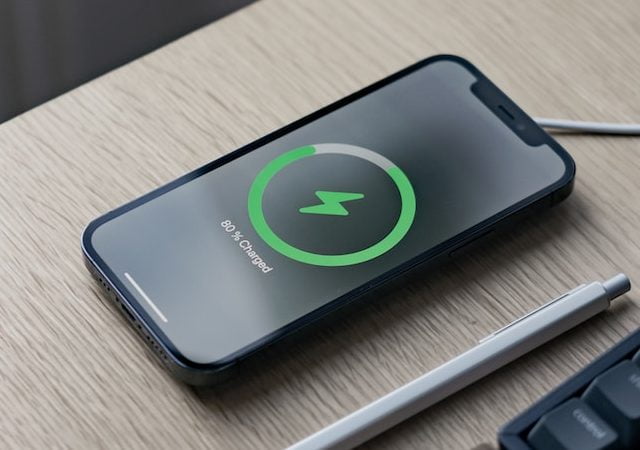
Contrary to myth, you don’t have to let your battery drain completely. In fact, lithium-ion batteries last longer when kept between 20% and 80% charge.
- Avoid overnight charging regularly.
- Use the original or certified charger for best results.
- Enable optimized charging if your phone supports it — it learns your schedule and reduces battery stress.
10. Check Battery Usage and Health
Most phones show which apps use the most battery under Settings → Battery → Usage.
- Identify power-hungry apps and adjust their permissions.
- Some phones also show battery health — if it’s below 80%, consider a replacement for better performance.
Bonus Tip: Turn Off Unnecessary Features
Live wallpapers, widgets, and constant location tracking can look nice — but they drain battery quickly.
Simplify your setup to get more life out of each charge.
Final Thoughts
Extending your phone’s battery life isn’t about one magic trick — it’s about building better habits. By adjusting settings, limiting background activity, and charging smartly, you can easily add hours of extra use every day and months of life to your battery.
With these expert tips, you’ll stay powered up when it matters most — no power bank required.