How to Protect Your Data with Free Encryption Tools
In an age where cyber threats, hacking, and data leaks are on the rise, protecting your personal and professional information has never been more important. Whether you’re a freelancer handling client files, a student storing research, or just someone who values privacy, data encryption is one of the most effective ways to secure your digital life.
The best part? You don’t need expensive software — there are free, reliable encryption tools that can safeguard your data from unauthorized access. Here’s how to protect your files, folders, and online communications with them.
What Is Encryption and Why Does It Matter?
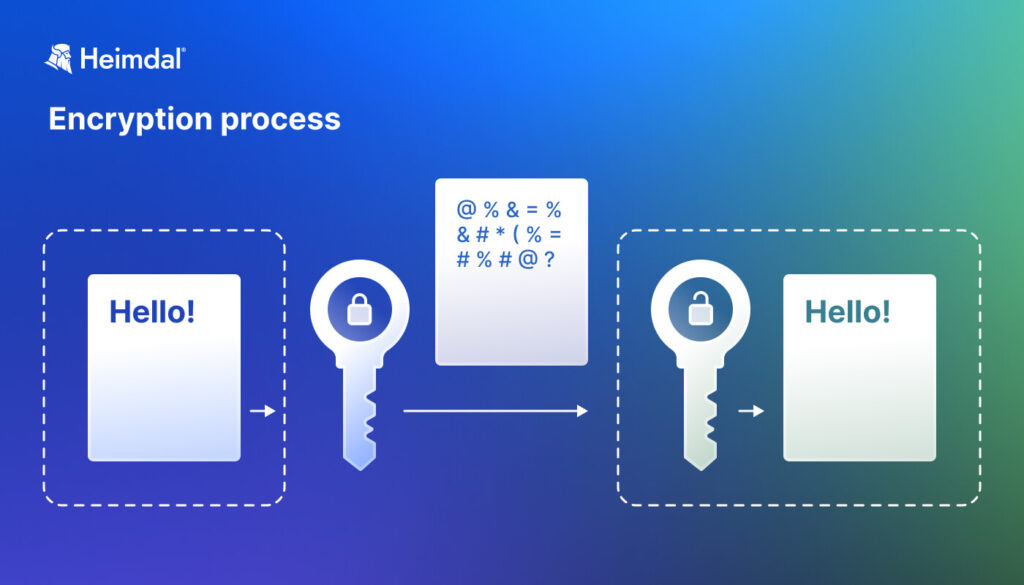
Encryption is the process of converting readable data into scrambled code that can only be unlocked with the correct password or key.
It ensures that even if your files are stolen, intercepted, or lost, they remain inaccessible to hackers. Encryption protects you from:
- Identity theft
- Data breaches
- Unauthorized file access
- Online surveillance
In short, encryption acts like a digital lockbox for your sensitive information.
1. Encrypt Your Files and Folders
If you store sensitive data like financial records, contracts, or personal photos, encrypting them adds a crucial layer of security.
Best Free Tools
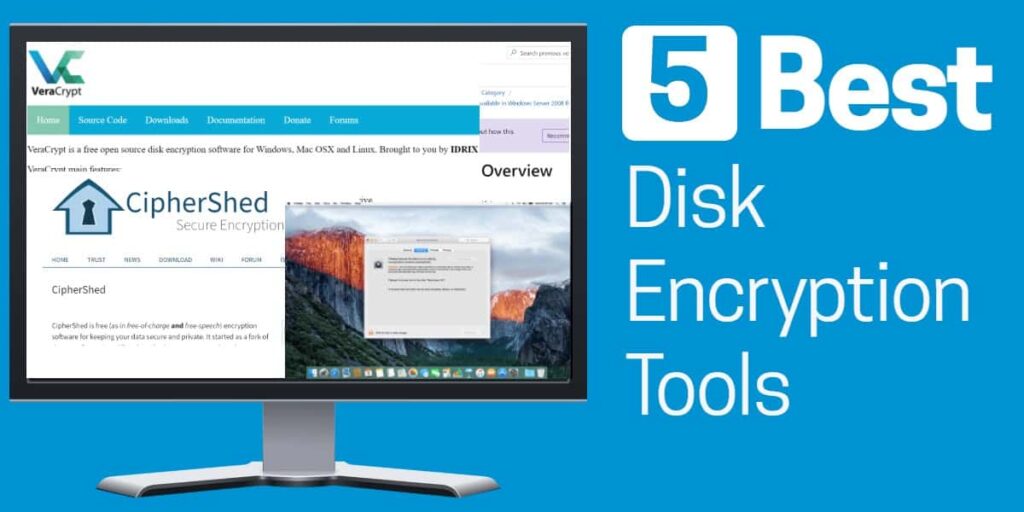
- VeraCrypt (Windows, macOS, Linux):
A trusted open-source tool that lets you create encrypted folders or entire drives. Perfect for securing large data sets or external drives.
👉 veracrypt.fr - BitLocker (Windows):
Built into Windows (Pro editions), it can encrypt your entire hard drive. For home users, VeraCrypt is a solid free alternative. - FileVault (macOS):
Comes preinstalled on Mac computers and encrypts your entire system drive automatically.
💡 Pro tip: Always back up your encryption key or password safely. If you lose it, your data will be permanently inaccessible — even to you.
2. Protect Cloud Storage Data
Cloud services like Google Drive, Dropbox, or OneDrive are convenient, but they’re not immune to hacks. Encrypt files before uploading them to the cloud.
Best Free Tools
- Cryptomator:
A simple, free tool that creates a secure vault on your cloud drive. You can drag and drop files into it, and they’re automatically encrypted before upload.
👉 cryptomator.org - Boxcryptor (free for personal use):
Offers cloud encryption for multiple services and integrates seamlessly with your existing storage apps.
3. Use Encrypted Messaging and Email
Communication privacy matters — especially when sharing sensitive data with clients, coworkers, or friends.
Best Free Tools
- Signal:
A free, open-source messaging app that offers end-to-end encryption for texts, calls, and media. It’s one of the most secure apps available today.
👉 signal.org - ProtonMail:
A free encrypted email service based in Switzerland, built for privacy. Your messages are encrypted by default and protected from unauthorized access.
👉 proton.me
4. Encrypt External Drives and USBs
Portable drives are easy to lose, which makes encryption essential.
Tools like VeraCrypt or built-in OS options (like BitLocker) can encrypt USB drives, ensuring that your data stays protected even if the device is misplaced.
💡 Quick tip: Always eject your drives safely and avoid using public or untrusted computers to access sensitive encrypted data.
5. Use a VPN for Secure Internet Browsing
While not a file encryption tool, a VPN (Virtual Private Network) encrypts your internet traffic — hiding your location, browsing history, and online activities.
Best Free VPN Options
- Proton VPN: Offers unlimited bandwidth with a free plan and strong encryption.
- Windscribe: Includes 10GB free per month with AES-256 encryption.
Using a VPN alongside encryption tools keeps your online and offline data private and secure.
6. Manage Passwords Safely
Your encryption is only as strong as your passwords. Use a password manager to store and generate complex, unique passwords.
Free Password Managers
- Bitwarden (free and open-source)
- KeePass (offline password vault)
Avoid reusing passwords — one weak password can compromise all your encrypted data.
7. Keep Your Software Updated
Even the best encryption tools can be vulnerable if outdated. Regular updates patch security flaws and strengthen encryption protocols. Turn on automatic updates for all your privacy tools and operating systems.
Final Thoughts
Data encryption isn’t just for tech experts — it’s for everyone who values privacy and security. With free tools like VeraCrypt, Cryptomator, Signal, and ProtonMail, you can easily protect your data without spending a dime.
In a world where digital privacy is constantly under threat, taking these steps today ensures your personal and professional information stays safe — no matter where it’s stored or shared.